Adding Text to a Photo with ImgEdit 3 Simple Steps
Adding text to a photo shouldn’t feel like you need to learn a whole
graphic design program. With imgedit.ai, everything is done in your
browser and takes just a few minutes:
A Reliable Online Free Image Rotator
Tired of posting photos in the wrong orientation? We get it. With ImgEdit AI’s online image rotator, you can easily fix this. Just upload your image and rotate it with our simple, user-friendly tool. No more frustrations—enjoy perfectly oriented photos in seconds.
Whether you’re a seasoned photographer or just sharing memories, rotating images has never been simpler. Don’t let tilted pictures ruin your moment—try the ImgEdit AI image rotator today!
Try It Now
Effortless Image Rotation from Vertical to Horizontal
ImgEdit AI provides the flexibility to rotate your images in any direction—vertically or horizontally—offering a simple solution for all your orientation needs. Just upload your photo and adjust it effortlessly, saving time and eliminating any hassle.
Upload Your Image
Unlock More Photo Editing Tools Beyond Rotation
ImgEdit AI goes beyond simple image rotation to revolutionize your photo editing workflow. Maximize your efficiency with a suite of advanced tools: resize images using custom templates for social media, enhance photo quality with AI, and manage backgrounds by replacing or generating new ones effortlessly.
With ImgEdit AI, unleash your creativity and take your photo editing experience to the next level.
Upload Your Image
Rotate Your Photos in 3 Simple Steps
Upload your image
Drag and drop from your device. Works with JPG, PNG, WebP, and large HD images.
AI detects orientation
Download your result
try it now
No tutorials, no stress. Just upload and let the AI image rotation tool do the work for you. Whether it’s a selfie, a product photo, or a vacation shot, you’ll always get a straightened, professional-looking image in seconds.
Features That Make Our AI Rotator Different
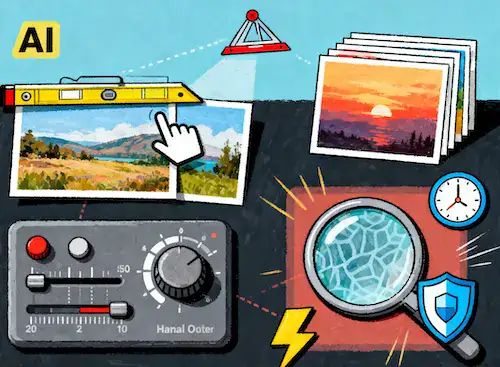
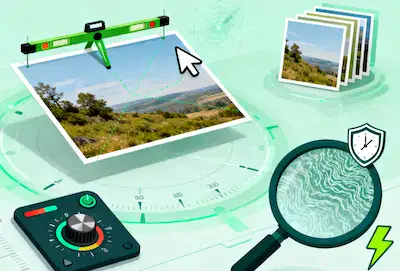
🎯 Automatic horizon detection – The AI finds crooked lines and fixes them instantly.
🔄 Precise manual controls – Adjust rotation by degrees if you want custom tweaks.
📸 Batch image rotation – Upload multiple files at once and fix them together.
📐 HD quality – Images stay sharp with no loss in detail.
🔐 Privacy-first – Every file is automatically deleted within 2 hours.
⚡ Lightning fast – 95% of photos are processed in under 3 seconds.
![]()
Upload & Go!
Other tools make you work. imgedit.ai makes it effortless. The combination of automation and fine-tuning gives you the best of both worlds: instant results when you’re in a hurry, and manual precision when you want full creative control.
Why Choose ImgEdit AI Image Rotator?
![Effortless Image Rotation]()
Effortless Image Rotation
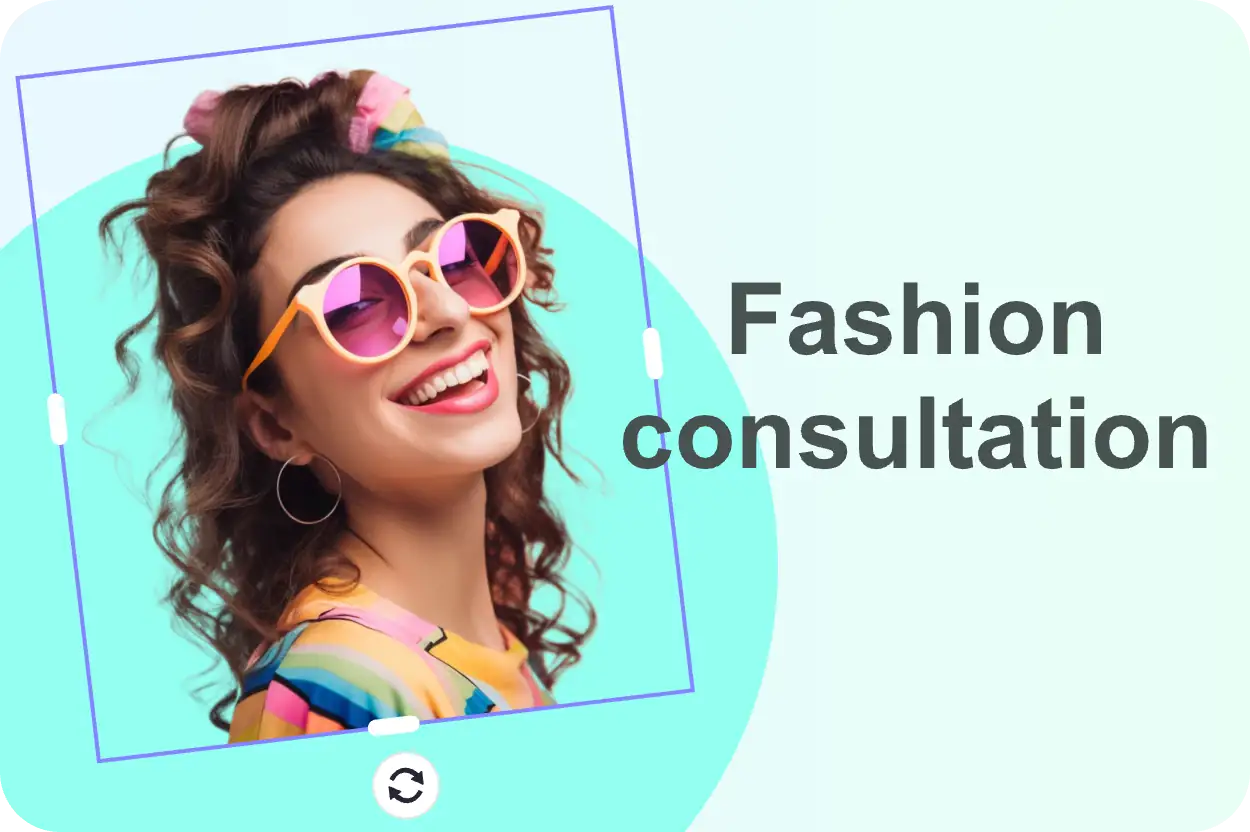
ImgEdit AI Image Rotator makes it simple to rotate your images in any direction. Whether it’s 90°, 180°, or a custom angle, you have precise control with just a few clicks.
![Quick and Efficient]()
Quick and Efficient
Rotate images in seconds with ImgEdit AI. The tool processes your files swiftly while maintaining top quality, perfect for both personal use and professional projects under tight deadlines.
![Superior Image Quality]()
Superior Image Quality
Say goodbye to distorted or blurry images. The tool ensures every resized image retains its clarity and sharpness, helping your products stand out on your store.
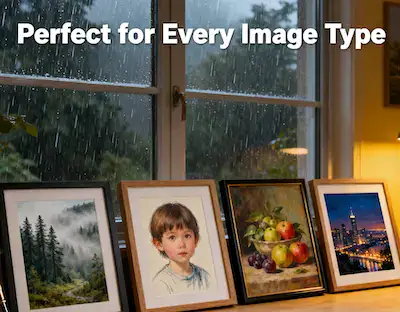
Perfect for Every Image Type
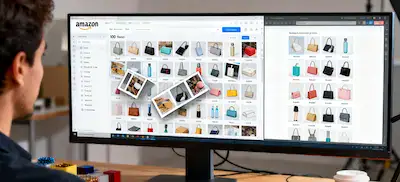
🛍 E-commerce sellers – Product photos that lean or look uneven can hurt sales. Straightening them creates consistency across your store, boosting customer trust. Imagine 100 tilted product shots on Amazon—it looks sloppy. With batch rotation, you fix them all in minutes.
📷 Photographers – Whether you’re shooting weddings, portraits, or landscapes, crooked horizons and uneven framing can ruin an otherwise perfect shot. AI rotation makes editing faster so you can focus on creativity.
📰 Marketers & Agencies – In ads, every pixel counts. A tilted image distracts the eye. With AI, your visuals look polished and professional across social media, banners, and campaigns.
🎓 Students & teachers – A class presentation looks sloppy if the visuals aren’t aligned. Straighten them instantly for slides and portfolios that look professional.
🐾 Casual users – Fix that tilted selfie, straighten your vacation beach photo, or clean up pet pictures. Anyone can use it. No editing skills, no fancy software—just drag, drop, done
![]()
Upload & Go!
Why Use AI Instead of Manual Tools?
Feature
Ease of use
Speed
Automatic horizon detect
Batch image rotation
Free to try
imgedit.ai
✅ Super simple
✅ Instant
✅ Yes
✅ Yes
✅ Yes
Photoshop / Manual
❌ Complicated
❌ Slow
❌ No
❌ No
❌ No
Other AI Tools
✅ Simple
✅ Fast
❌ Limited
❌ Rare
✅ Limited
Photoshop is powerful, but it’s overkill for a simple task like rotation—and it eats up time. Free online tools exist, but most don’t offer AI detection or batch editing. imgedit.ai gives you speed, accuracy, and convenience—all in one free tool.
Why AI Image Rotation Actually Matters
We’ve all been there—you take what feels like the perfect shot. Maybe it’s a group picture at a birthday, maybe it’s your favorite view on vacation, maybe it’s a product you’re about to list online. You look at it again and realize… the whole thing is crooked. The horizon leans to the side, your product looks like it’s falling over, or the portrait feels slightly “off.”
It doesn’t seem like a big deal at first. But tilted photos change the whole impression of an image. A landscape with a crooked horizon looks amateur, even if the colors and lighting are beautiful. A product shot that’s a few degrees off looks sloppy in an online store. Even a selfie can feel strange if it’s not level. It’s funny how such a small adjustment—just straightening the angle—can completely change the vibes of a photo. Suddenly it looks professional instead of accidental.
The Old Way vs. The AI Way
Before AI tools, straightening a tilted photo meant opening software like Photoshop or GIMP. You’d drag rulers across the screen, zoom in and out, try different angles, and hope it looked right. For one image, it’s annoying. For 20, it’s exhausting. For 200? Forget it. Nobody has time (or patience) for that anymore
That’s why the idea of being able to rotate image online free in just one click is such a breakthrough. With an AI image rotation tool, you upload, let the system detect the horizon or the subject, and it does the heavy lifting. No grids. No endless trial and error. Just a clean, level photo in seconds.
Real-Life Scenarios Where It Saves the Day
E-commerce sellers: Imagine uploading 100 product photos for your Shopify or Amazon store. Half of them are slightly tilted because the tripod wasn’t perfect. Without fixing them, your shop looks inconsistent and unprofessional. With batch AI rotation, you straighten them all in minutes and your catalog looks polished.
Photographers: After a long wedding shoot, the last thing you want is to spend hours fixing tilted portraits or landscapes. Let AI do the repetitive work while you focus on editing lighting, mood, and the things that really matter.
Content creators: Ever tried posting a tilted photo on Instagram? Your followers notice—even if it’s subconscious. A crooked horizon in a beach photo doesn’t get as much engagement as a clean, straight version.
Students and professionals: Presentations look messy when visuals aren’t aligned. With a simple straighten tilted photo online tool, every slide looks sharp and organized.
![]()
Upload & Go!
Why Straight Photos Build Trust
Here’s something people rarely think about: tilted photos don’t just look messy—they actually reduce trust. On a store page, a slightly leaning product image can feel cheap or careless, even if the product itself is high quality. On a LinkedIn profile, a portrait that’s a bit off looks less professional.
The truth is, our brains like order. Straight lines, balanced angles, and centered subjects feel right. They give the impression of quality and care. And that impression translates into sales, engagement, and opportunities.
The Secret Weapon for Small Businesses
Professional photographers charge extra for editing. Agencies have teams that spend hours aligning images. But small business owners and solo creators often don’t have that budget. That’s where an AI image rotation tool is a game-changer. It lets anyone—without skills, without software, without cost—make their visuals look like they came from a studio.
When you can rotate image online free, you’re not just saving time—you’re competing on equal footing with bigger players who spend thousands on production.
It’s Not Just About Speed—it’s About Freedom
Sure, AI makes things faster. But what really matters is what you get back: freedom. Instead of wasting hours fixing details, you can focus on your craft, your business, your story.
A travel blogger can spend less time editing and more time exploring.
A shop owner can upload new products quicker and focus on marketing.
A photographer can deliver albums to clients faster and with less stress.
That freedom is worth more than anything.
Tips for Better Results
AI does the hard work, but a few simple habits can make your photos look even better:
Use well-lit photos so the AI can detect edges clearly.
Upload the highest resolution you have—HD gives the sharpest results.
If the subject isn’t centered, use manual fine-tuning for a perfect finish.
These little tweaks ensure your rotated photos don’t just look “fixed,” but look truly professional.
Why People Keep Coming Back
Once you try it, you notice how many of your photos are slightly off. It becomes addictive—uploading old vacation shots, fixing family portraits, even cleaning up random images on your phone. The satisfaction of seeing the before/after slider is real. It’s the feeling of turning something ordinary into something polished, instantly.
Wrapping It Up
At the end of the day, straight photos matter more than most people realize. They build trust, increase engagement, and make your work stand out. The best part? With tools like imgedit.ai, anyone can get that professional look without spending money, without downloading software, and without wasting hours.
So whether you’re a seller, a photographer, a content creator, or just someone who wants their memories to look amazing, try this AI image rotation tool. Straighten tilted photos online in seconds, and see how much better your pictures feel when they’re perfectly aligned.
What People Are Saying
Frequently Asked Questions
Q1:Is the image rotator free?
![]()
Q2:Does it work automatically?
![]()
Q3:What formats are supported?
![]()
Q4:Are my photos stored?
![]()
Q5:Can I use it on mobile?
![]()
Q6:Is batch rotation supported?
![]()
Q7:Does it reduce quality?
![]()
Q8:Why use an AI image rotation tool?
![]()
Q9:Is this better than Photoshop?
![]()
Rotate and Straighten Photos Instantly – Try It Free Now
No signup · Instant results · HD output
Ready to fix your photos? Don’t waste another second with complicated tools. Upload your image today and let AI straighten it instantly. Whether you need product shots, portraits, or vacation memories, imgedit.ai makes it simple. No signup, no hidden costs—just clean, professional photos you can use anywhere. Try it now and see how much better your pictures look when they’re perfectly aligned.
Upload Your Image & Start 
![]()